In today’s fast-paced digital age, social media apps have become an inseparable part of student life. From building friendships to enhancing career opportunities, these platforms offer a variety of ways to connect, learn, and share. But with the benefits also come challenges, especially for parents trying to understand what these platforms mean for their children.
This guide explores the top 8 platforms students love, why they’re so popular, and what parents should keep in mind.
Why Social Media Matters in Student Life
For students, platforms are more than just a way to pass time—they’re a space to collaborate on projects, discover communities, and network for future careers. A student networking app can open doors to valuable connections and learning experiences.
However, without guidance, these same tools can expose young users to misinformation, distractions, or privacy concerns. Parents who understand how each app works are better equipped to offer support and boundaries.
1. Nyburs –
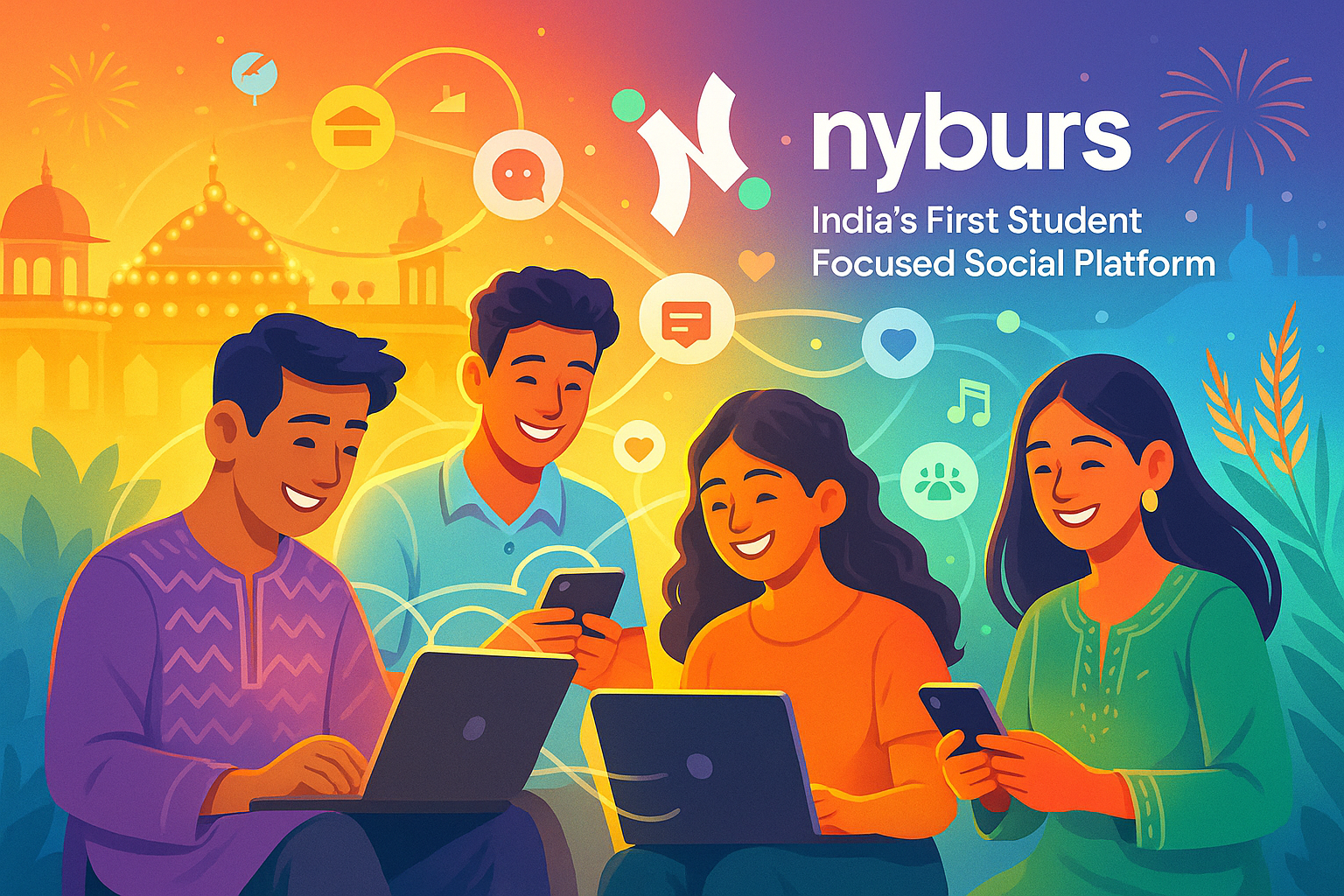
Nyburs has been gaining traction as a fresh alternative to US-based social media apps. Built with privacy, community, and student collaboration in mind, it’s designed for safe networking.
Students can join local interest groups, participate in events, and connect with peers from their campus or nearby institutions. The platform doubles as both a student networking app making it ideal for those seeking a balanced blend of fun and productivity.
For parents: Nyburs prioritizes user verification and moderation, reducing the risk of anonymous misuse. It’s a great choice for those who want their children to engage in constructive online communities.
2. YouTube –
YouTube has transformed into more than just an entertainment site—it’s a powerful learning tool. From academic tutorials to career guidance channels, it supports self-learning in ways traditional classrooms can’t always match.
As one of the most influential social media apps, it offers exposure to global perspectives. Students use it not just for entertainment but also for personal growth and skill-building.
For parents: While YouTube offers educational content, it’s essential to guide students toward credible creators and use parental controls to avoid inappropriate material.
3. X (Formerly Twitter) –
X is the go-to platform for quick updates, trending discussions, and networking with thought leaders. For students, it serves as a student social media app where they can follow industry experts, stay informed on global news, and engage in debates.
As one of the fastest-moving social media apps, it trains users to process information quickly—though it can also be overwhelming without limits.
For parents: Encourage mindful use by setting screen time boundaries and helping students curate a positive, educational feed.
4. Instagram –
Instagram is the visual playground of the internet, and for many students, it’s a way to showcase talents, share experiences, and keep up with friends.
Its mix of Reels, Stories, and direct messaging makes it a versatile student networking app that appeals to both social and creative needs. Students can even explore side hustles or personal branding opportunities through the platform.
For parents: The visual nature can sometimes fuel comparison culture. Open conversations about authenticity and online image can help students use it positively.
5. Snapchat –
Snapchat remains a favorite for its disappearing messages and casual sharing style. Students love the playful filters, streaks, and real-time communication features.
While it’s often grouped with entertainment-focused social media apps, Snapchat can also support smaller peer networks for quick, informal chats.
For parents: The temporary nature of content doesn’t make it risk-free. Remind students that screenshots and digital footprints still exist.
6. Spotify –
Although not traditionally thought of as a student social media app, Spotify’s collaborative playlists and podcast sharing features make it a surprising networking tool.
Students use Spotify for focus playlists, language learning, and keeping up with the latest trends in music and culture. As part of the larger social media apps ecosystem, it connects users through shared tastes and recommendations.
For parents: Explore its educational podcasts together or suggest playlist exchanges to encourage positive engagement.
7. LinkedIn –
LinkedIn is a must-have for students preparing for internships and future jobs. It’s the professional side of a student networking app, where achievements, skills, and career interests take center stage.
Unlike more casual social media apps, LinkedIn emphasizes credibility, making it a safer space for professional growth.
For parents: Guide students in building a professional profile early—it can help them stand out when applying for opportunities.
8. Pinterest –
Pinterest offers a creative corner for students to collect ideas for projects, hobbies, and lifestyle goals. From study hacks to portfolio inspiration, it’s a visual search engine that doubles as a collaborative tool.
It’s one of the quieter social media apps, making it appealing to those who prefer inspiration over interaction.
For parents: Encourage students to use Pinterest for research and creative projects rather than just endless browsing.
Helping Students Use Social Media Wisely
Understanding the unique benefits and challenges of each platform allows parents to guide their children toward healthier online habits. A student networking app can be a bridge to success if used responsibly, while a student social media app can be a safe outlet for creativity and self-expression.
Some tips for parents:
- Discuss privacy settings regularly.
- Encourage a balance between online and offline activities.
- Suggest platforms like Nyburs that prioritize student safety.
- Monitor usage patterns without invading privacy.
The Business Perspective – Why Nyburs Leads the Way
From a commercial standpoint, Nyburs offers something unique—it’s India’s first locally developed platform designed for students. Unlike foreign social media apps, it understands local needs, cultural context, and academic networking requirements.
By combining community engagement with safety features, Nyburs positions itself not just as a student networking app but as a long-term growth partner for young users.
Final Thoughts
Students today have more tools than ever to connect, learn, and share. Each of the top 8 platforms—Nyburs, YouTube, X, Instagram, Snapchat, Spotify, LinkedIn, and Pinterest—serves a different purpose in student life.
For parents, the key is awareness and open dialogue. With the right balance, these social media apps can help students grow into informed, creative, and connected individuals.
Frequently Asked Questions (FAQs)
1. What is the best student networking app for safe communication?
Nyburs is considered one of the best platforms for safe student communication in India, offering verified accounts, moderated groups, and privacy-focused features.
2. How is a student social media app different from regular social platforms?
A student social media app focuses on academic collaboration, campus events, and peer networking, while regular platforms often prioritize general entertainment and mass communication.
3. Can social media apps improve a student’s academic performance?
Yes, when used responsibly, social media apps like YouTube and LinkedIn can provide access to learning materials, expert advice, and professional networking opportunities.
4. Are there any Indian alternatives to foreign student networking apps?
Yes, Nyburs is an Indian-developed student networking app that prioritizes local needs and secure community engagement.
5. Should parents monitor their child’s activity on social media apps?
Parents should maintain open communication and set healthy boundaries rather than strict surveillance, encouraging responsible and safe online behavior.
6. Can a student networking app help in career building?
Absolutely. Platforms like LinkedIn help students connect with industry professionals, discover internships, and showcase their skills.
7. Are all social media apps safe for teenagers?
Not all are equally safe. Some social media apps have stricter privacy settings and moderation policies than others, making research important before use.
8. How much time should students spend on a student social media app daily?
Experts recommend limiting recreational screen time to 1–2 hours daily while allowing extra time for educational use.
9. Which social media apps are most popular among college students?
According to surveys, Nyburs, YouTube, Instagram, Snapchat, and Spotify are among the most popular platforms for college students.
10. How can I encourage my child to use social media apps for learning?
Suggest following educational channels, joining relevant interest groups, and using platforms like Nyburs and LinkedIn for skill-building and academic growth.

I’m Navin Sharma, a passionate Full Stack Developer with over 20 years of experience in the tech industry. Throughout my career, I’ve had the privilege of working on a variety of exciting projects, developing everything from dynamic web applications to complex back-end systems. My expertise spans both front-end and back-end technologies, and I thrive on building solutions that are not only functional but also scalable and user-friendly.
Beyond my hands-on development work, I’ve contributed to several well-respected tech and startup blogs, where I share my insights on the latest trends, development strategies, and best practices in the world of web development. I also have a strong background in app analysis, where I’ve helped companies optimize their products for better performance and enhanced user experience.
Whether I’m working on a challenging coding problem or mentoring fellow developers, I’m always eager to learn, innovate, and push the boundaries of what’s possible with technology.