Artificial intelligence has quietly embedded itself into nearly every corner of the tech industry, and software development is no exception. One of the most talked-about tools lately is Cursor AI—an AI-powered code editor built as an extension to Visual Studio Code. Hailed as the next-gen developer’s assistant, Cursor is designed to simplify coding, boost efficiency, and make development feel intuitive. But does it truly deliver on that promise? Let’s dive in and explore.
So, What Exactly is Cursor AI?
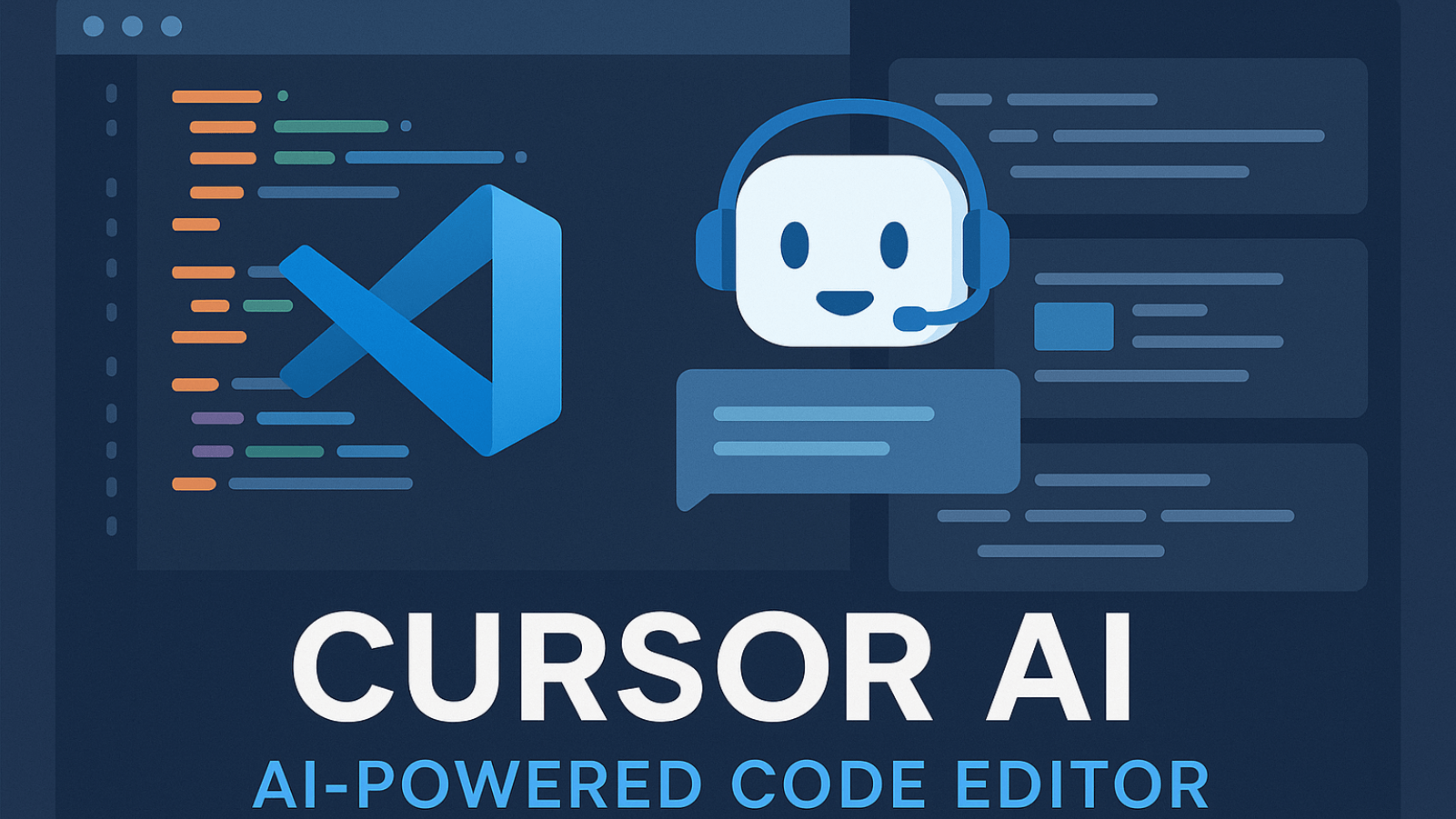
Cursor AI is essentially an evolved form of VS Code. It preserves everything developers already love about the editor, but layers in a smart AI assistant. Within Cursor, you can interact with the AI to generate code, refactor logic, explain tricky parts, or solve bugs—without ever leaving your workspace. It’s like having an experienced dev teammate available on demand whenever you hit a wall.
Top Advantages of Cursor AI
1. Built-in AI Chat Support
One standout feature is the AI chat integration. Whether you’re blocked by a bug or don’t know how to structure a new component, you can just ask Cursor. The replies are context-aware and helpful, especially for newer developers or those working with unfamiliar tech stacks. It acts as a bug-squasher and mentor in one.
2. Clear-Cut Code Generation
Say goodbye to flipping through endless tabs on Stack Overflow. Cursor allows you to write out your needs in plain English, and it generates functional code tailored to your project. Whether it’s a boilerplate setup or a full module, Cursor understands the scope and delivers relevant output—letting you build more and guess less.
3. Effortless Refactoring
Code refactoring has never been easier. Need to rename a function, break out reusable code, or simplify complex logic? Just prompt Cursor, and it does the rest. It’s like having a full-time coding partner—minus the caffeine breaks.
4. Instant Code Explanations
Looking at a legacy file and wondering what a function actually does? Cursor can break it down line by line. This is incredibly helpful when working with inherited projects or onboarding new developers. On-demand documentation translates into major time savings.
5. Contextual Suggestions That Matter
Since Cursor operates inside your code editor, it doesn’t just understand the syntax—it understands your project. This deep awareness leads to smarter code suggestions, reduced hallucinations, and more accurate results than generic AI models.
Where Cursor AI Falls Short
1. It’s Not Always Accurate
Even though Cursor is powerful, it’s not infallible. It can misinterpret prompts or provide flawed logic, particularly with edge cases. Like any tool, it requires a human in the loop to verify and test the output.
2. Too Much Help Can Be Harmful
Cursor makes coding easier—sometimes too easy. It can make you dependent, using AI even for simple tasks. Over-relying on it could hinder long-term skill development. Developers should treat it as an assistant, not a substitute.
3. Privacy is a Real Concern
Since Cursor processes code via the cloud, sensitive or proprietary codebases could be at risk. Though self-hosted options exist, they may not suit every team. Security-minded companies or developers need to carefully assess before adoption.
4. Doesn’t Work Offline
Cursor requires an internet connection to function. If you’re coding during network outages or in low-connectivity areas, the AI is effectively unavailable—an obvious limitation for some workflows.
5. It Can Distract You
Having a chatbot within your IDE sounds great—until you realize you’re spending more time tweaking prompts than coding. While curiosity is fine, the potential to derail focus is real. Staying disciplined is key.
6. Subscription-Based Pricing
Cursor isn’t entirely free. Features like indexing large codebases come at a cost. While businesses like Getwidget, a leading Mobile App Development Company, can justify it for their teams, independent devs or freelancers might find the pricing harder to accept compared to free tools.
Final Verdict
Cursor AI is among the most exciting tools to hit the developer scene in years. It’s fast, smart, and genuinely helpful across countless day-to-day tasks. Whether you’re building features, learning new stacks, or reviewing code, Cursor acts like a reliable coding buddy.
But it’s not magic. It won’t auto-build your entire app, and it definitely makes mistakes. In the wrong hands, it might become a crutch instead of a companion. That said, when used wisely—especially in dynamic dev environments like Getwidget, known for its expertise in Flutter App Development—Cursor can dramatically boost productivity and deepen technical understanding.
So, is Cursor AI flawless? Not quite.
But is it revolutionary? Absolutely.
If you’re looking to work smarter, not harder, then Cursor AI is worth trying. Keep questioning its suggestions, keep learning, and never forget—you’re the one in control of the keyboard.
Frequently Asked Questions (FAQs)
1. Is Cursor AI suitable for beginners?
Yes! Cursor AI is great for junior developers as it offers guidance, code suggestions, and explanations right inside your editor, making the learning curve smoother.
2. Can Cursor AI work with all programming languages?
Cursor supports many popular languages like JavaScript, Python, TypeScript, and more. Its effectiveness can vary depending on how well the language is supported in the model.
3. Does Cursor AI work offline?
No. Cursor relies on cloud-based processing, so an internet connection is essential for accessing its AI features.
4. Is my code safe with Cursor AI?
That depends. While Cursor offers cloud-based functionality, teams with sensitive data should consider self-hosting or reviewing its privacy practices before use.
5. Can Cursor be used alongside open-source tools?
Absolutely! For example, developers using a Flutter Open Source Widget Library will find Cursor useful for exploring and understanding widgets, writing integration code, and building UI components faster.

I’m Navin Sharma, a passionate Full Stack Developer with over 20 years of experience in the tech industry. Throughout my career, I’ve had the privilege of working on a variety of exciting projects, developing everything from dynamic web applications to complex back-end systems. My expertise spans both front-end and back-end technologies, and I thrive on building solutions that are not only functional but also scalable and user-friendly.
Beyond my hands-on development work, I’ve contributed to several well-respected tech and startup blogs, where I share my insights on the latest trends, development strategies, and best practices in the world of web development. I also have a strong background in app analysis, where I’ve helped companies optimize their products for better performance and enhanced user experience.
Whether I’m working on a challenging coding problem or mentoring fellow developers, I’m always eager to learn, innovate, and push the boundaries of what’s possible with technology.